
Connecting PC to TV via Windows Wireless Display
- Press the Windows + K keys on your keyboard.
- A sidebar will appear showing available screens.
- Select your desired screen from the list (check the brand of the TV on the room)
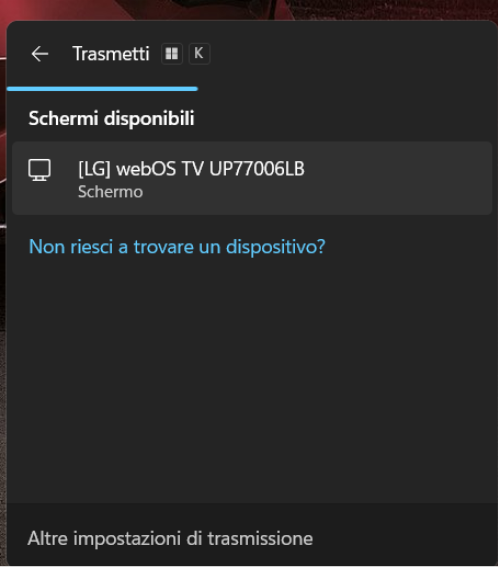
- If you do not see your device, click on “Can’t find your device?” and follow the troubleshooting steps.
- Your PC will connect and start sharing its screen wirelessly.